
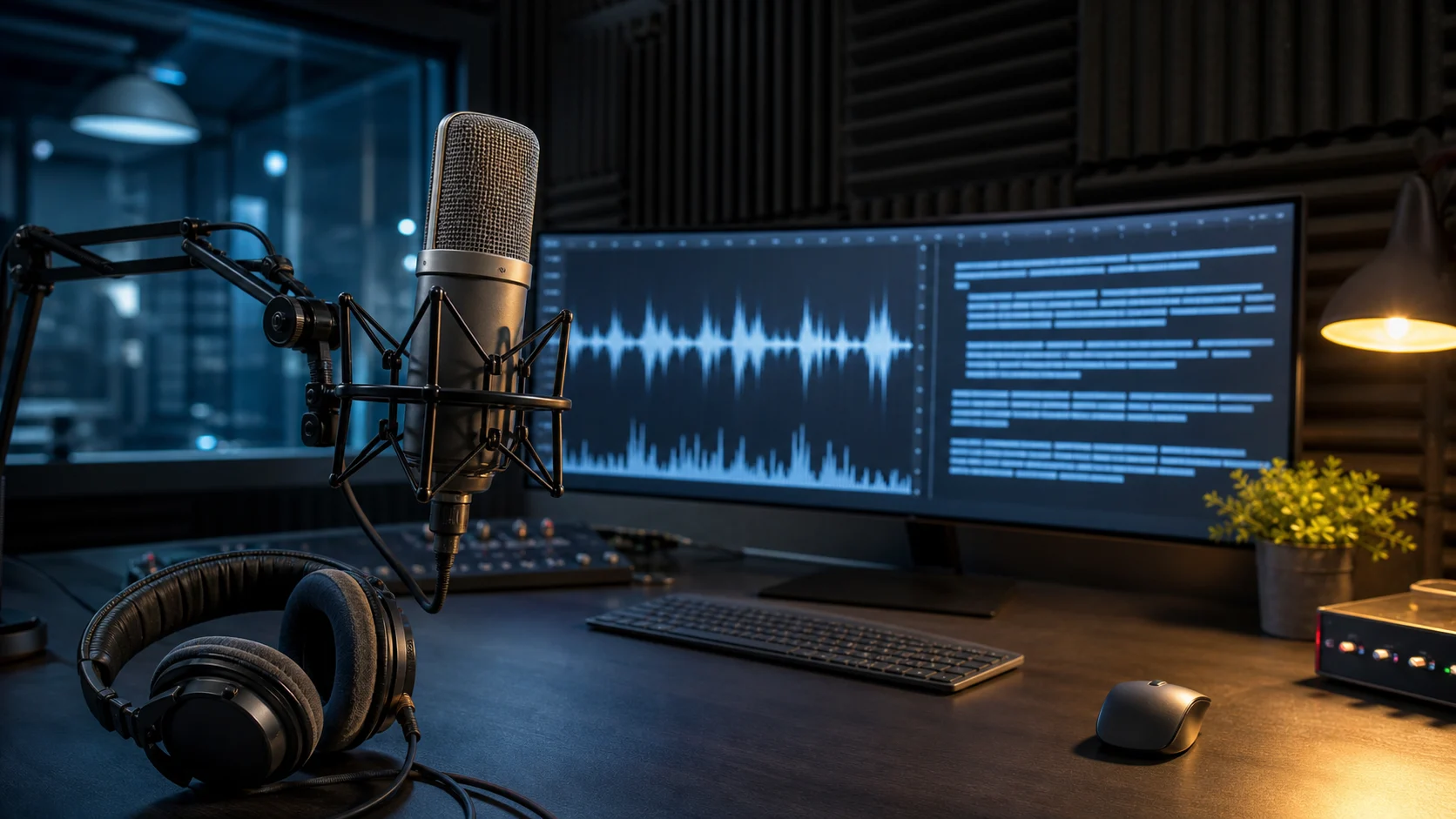
GPT Transcribe is OpenAI's current high-accuracy speech-to-text model for turning completed recordings, streamed file transcripts, and committed Realtime audio turns into text. It is the model OpenAI now recommends when a developer needs to transcribe audio in its original language. The model ID is gpt-transcribe, and completed file requests continue to use the familiar POST /v1/audio/transcriptions endpoint.
That naming needs clarification. OpenAI introduced gpt-4o-transcribe in March 2025, then released the newer gpt-transcribe and gpt-live-transcribe models in July 2026. Existing GPT-4o Transcribe integrations still work, but OpenAI's current transcription guide recommends gpt-transcribe for recorded files and gpt-live-transcribe for continuously arriving live audio. This article focuses on the new GPT Transcribe model while explaining where GPT-4o Transcribe, Whisper, and the diarization model still fit.
For readers who want a shorter product-level reference before the technical details, this GPT Transcribe model overview summarizes the model, current pricing, and browser-based access without requiring an API integration.
Key takeaways
gpt-transcribeis OpenAI's recommended starting model for accurate transcription of completed audio files.- File transcription still uses
POST /v1/audio/transcriptions; the important changes are the model ID, context fields, response contract, and supported workflows. - GPT Transcribe accepts a free-form
prompt, literalkeywords, and multiple expectedlanguagesto improve domain vocabulary and code-switching. - Streaming the text produced from an existing file is not the same as transcribing a live microphone stream.
- Specialized requirements still call for other models: GPT-4o Transcribe Diarize for speaker labels and Whisper for native word timestamps, SRT/VTT output, or audio-to-English translation.
- Word error rate is useful, but production teams should also measure names, numbers, omissions, hallucinations, latency, and downstream usability.
What is GPT Transcribe?
GPT Transcribe is a dedicated automatic speech recognition model. Its inputs are audio plus optional text context; its output is text. The official model page describes three main operating modes:
- A completed audio file uploaded for a final transcript.
- A completed file whose transcript is returned incrementally as text events.
- A committed audio turn in a Realtime WebSocket session.
This makes GPT Transcribe broader than a simple blocking file converter, but it is not the same product as a continuously listening caption engine. OpenAI separates that second job into gpt-live-transcribe, which is designed for microphone, call, or other live audio that must be recognized with low latency as it arrives.
The distinction matters because the phrase "streaming transcription" is ambiguous. A developer can upload a finished 20-minute recording and stream partial text back to the interface. The audio is still a completed file. A live call, by contrast, sends new audio continuously over a persistent Realtime connection. Both experiences reveal text over time, but they have different transport, latency, buffering, turn-detection, and recovery requirements.
From GPT-4o Transcribe to GPT Transcribe
GPT-4o Transcribe was an important break from the original Whisper line. In its next-generation audio model announcement, OpenAI said the GPT-4o transcription models improved word error rate, language recognition, and reliability over original Whisper models. The company attributed those gains to audio-focused pretraining, diverse audio data, distillation, and a reinforcement-learning-heavy approach.
The newer GPT Transcribe release changes the recommended product surface rather than invalidating everything that came before it. OpenAI's Whisper migration guide frames the current family as two focused paths:
- GPT Transcribe (
gpt-transcribe) for accurate files, streamed file output, and final transcripts of committed Realtime turns. - GPT Live Transcribe (
gpt-live-transcribe) for low-latency, continuously streaming audio.
Meanwhile, gpt-4o-transcribe-diarize remains the specialist for identifying who spoke when. gpt-4o-transcribe and gpt-4o-mini-transcribe remain supported for existing integrations, but they are no longer OpenAI's recommended default for a new general transcription project.
This is why using "GPT Transcribe" as a loose synonym for every OpenAI audio model can cause implementation errors. The exact model ID determines which hints, output formats, timestamps, speaker labels, and streaming behaviors are available.
How a GPT-based speech-to-text model turns audio into text
OpenAI has not published a complete architectural specification for gpt-transcribe. There is no public parameter count, layer diagram, or training-corpus manifest for the new model. Any article claiming an exact internal pipeline would be speculating.
It is still possible to explain the task accurately at a conceptual level. A modern GPT-based speech recognizer has to solve four linked problems.
1. Represent the acoustic signal
An uploaded recording is a time-varying waveform, not a sequence of words. The system must transform that waveform into representations that preserve speech-relevant patterns such as phonetic content, timing, speaker transitions, and the effects of noise or channel quality.
This stage must be robust to far more than studio speech. Real inputs contain compression artifacts, clipped syllables, room echo, telephone bandwidth, overlapping voices, accents, pauses, filler words, and music. Good speech to text begins by retaining the linguistic signal while avoiding overreaction to irrelevant acoustic variation.
2. Map sound patterns to linguistic candidates
Speech is ambiguous. The same short acoustic pattern can correspond to different words depending on accent, neighboring sounds, subject matter, and sentence structure. A recognizer therefore does not simply look up one sound at a time. It evaluates candidate sequences across a wider context.
This is where a GPT-derived approach is useful. Language modeling supplies strong expectations about which sequences of words, punctuation, and names make sense together. The model can use a broader utterance to resolve a locally unclear segment. That does not mean it "understands" a recording exactly as a human does, and linguistic plausibility can become a failure mode if the model confidently fills in something that was not spoken.
3. Apply recording-specific context
General language knowledge cannot know every customer ID, medication, product name, conference speaker, or internal acronym. GPT Transcribe exposes three separate context channels:
promptdescribes the topic or setting in free-form language.keywordslists literal terms that may occur in the audio.languageslists expected spoken languages.
Separating these fields is valuable. "A customer support call about a premium plan" is contextual background, while AC-42 and Premium Plus are literal strings. English and French are language expectations. Treating all three as one undifferentiated prompt makes evaluation and input validation harder.
4. Decode and return a usable transcript
The model must choose a final text sequence and return it through the API contract. With GPT Transcribe, a normal file response includes the transcript plus languages the model could reliably detect. A valid response may contain an empty languages array when detection is uncertain.
If stream: true is enabled, the API emits transcript.text.delta events during processing and a final transcript.text.done event. Applications should treat deltas as provisional UI updates and the done event as the authoritative completed transcript.
Why context changes transcription quality
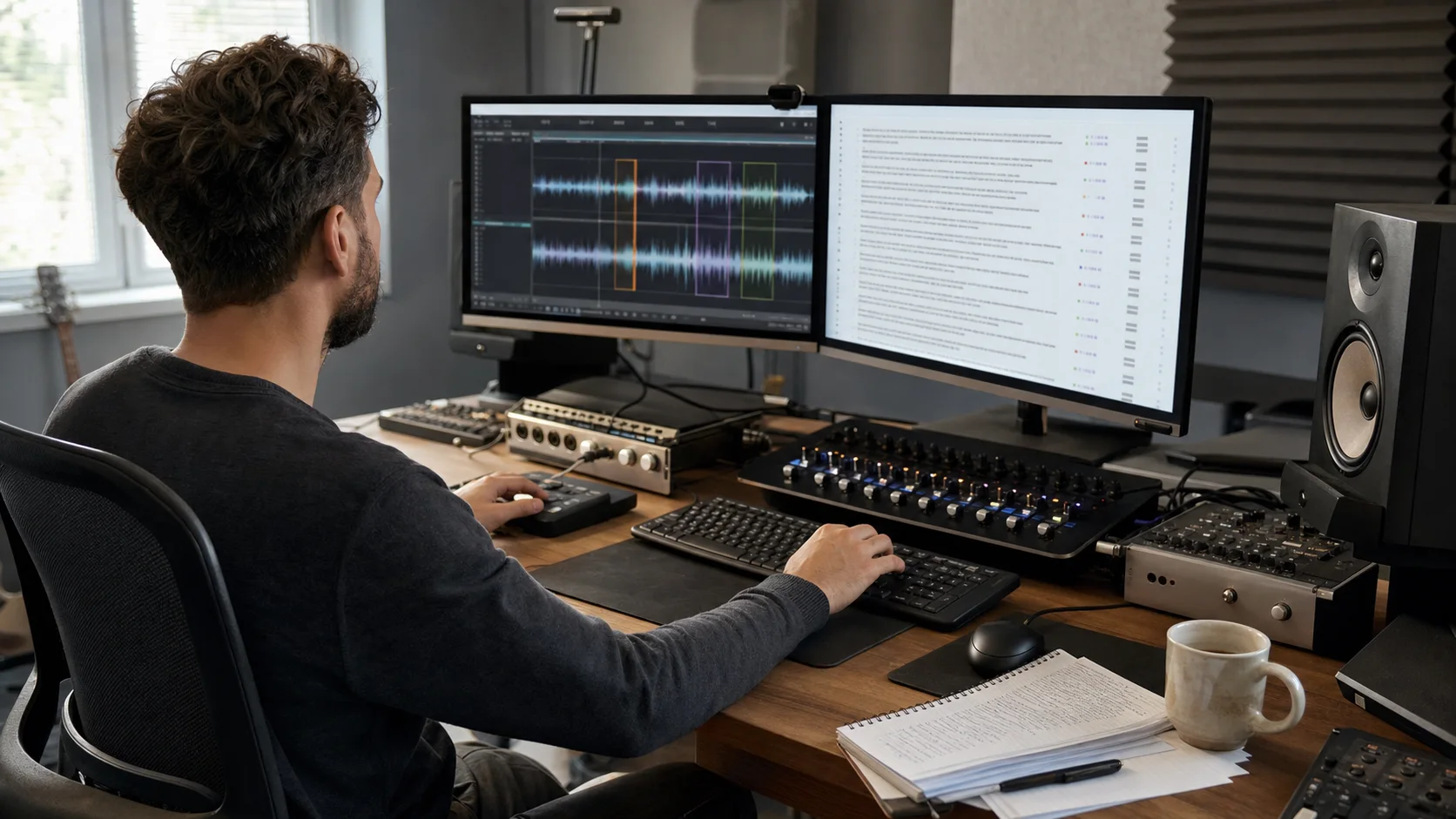
Traditional speech recognition systems often required a separate language model, custom vocabulary, or domain-specific adaptation layer. GPT Transcribe turns part of that customization into request-time context.
Consider a bilingual support call about an account called AC-42. Without context, a model may interpret the identifier as ordinary words or punctuation. A well-formed request can describe the billing context, supply AC-42 as a keyword, and list both English and French as expected languages.
The important constraint is that keywords are hints, not mandatory output. If the recording never contains AC-42, a reliable transcript should not insert it. OpenAI explicitly recommends evaluating whether hints improve recognition without causing unspoken terms to appear.
This creates a practical test strategy:
- Transcribe a representative evaluation set with no hints.
- Run the same files with only the new model ID.
- Add prompt, keyword, and language context.
- Compare domain-term recall and false insertion rates.
That sequence separates gains from the model itself from gains created by request context. It also exposes a bad keyword list that raises apparent recall by hallucinating terms.
Calling /v1/audio/transcriptions
The API remains deliberately simple. A file request uses multipart form data, an authorization header, an audio file, and a model ID.
curl --request POST \
  --url https://api.openai.com/v1/audio/transcriptions \
  --header "Authorization: Bearer $OPENAI_API_KEY" \
  --header "Content-Type: multipart/form-data" \
  --form file=@/path/to/file/meeting.wav \
  --form model=gpt-transcribe \
  --form "prompt=A customer support call about subscription billing." \
  --form "keywords[]=AC-42" \
  --form "keywords[]=Premium Plus" \
  --form "languages[]=en" \
  --form "languages[]=fr"
According to the current file transcription documentation, uploaded files can be up to 25 MB. Larger recordings should be compressed or divided into smaller files, preferably at sentence or turn boundaries rather than arbitrary byte offsets.
The most common migration mistake is sending both the older singular language field and the newer languages array. GPT Transcribe expects languages; older transcription models that accept one hint continue to use language.
Another mistake is assuming every output format supported by Whisper is available from GPT Transcribe. The recommended model returns JSON, but native SRT/VTT subtitles and word timestamps remain specialist Whisper capabilities. If a workflow needs convenient uploads plus transcript, subtitle, and document exports without implementing those transformations, a browser-based speech-to-text workspace can provide a practical layer around the raw transcription process.
Streaming a file is not live transcription
This distinction deserves repetition because it affects architecture.
With streamed file transcription, the complete media object already exists. The client uploads it to /v1/audio/transcriptions and asks the API to emit partial transcript events while processing. This improves perceived responsiveness for a large file, but it does not accept an endless microphone stream.
With live transcription, audio frames keep arriving. The application needs a Realtime session, a persistent WebSocket or WebRTC connection, buffering, and a policy for determining when speech turns start and stop. gpt-live-transcribe is the recommended model for that workflow.
GPT Transcribe can also run inside a Realtime WebSocket session after the client explicitly commits an audio turn. That mode is useful when final accuracy after a bounded turn matters more than continuously updating captions. It may emit deltas for the committed turn, but processing starts from a commit boundary.
In short:
| Requirement | Recommended path |
|---|---|
| Final transcript from an uploaded file | gpt-transcribe on /v1/audio/transcriptions |
| Partial text while a completed file is processed | gpt-transcribe with stream: true |
| Continuous live microphone or call captions | gpt-live-transcribe in a Realtime transcription session |
| High-accuracy transcript after a committed audio turn | gpt-transcribe in a Realtime WebSocket session |
Choosing the right model for specialized output
No single model currently owns every speech-to-text feature. OpenAI's documentation recommends choosing a specialist when the output contract matters more than the default model.
| Need | Model or endpoint | Important constraint |
|---|---|---|
| General high-accuracy file transcription | gpt-transcribe | Recommended starting point for new file integrations |
| Continuously arriving live audio | gpt-live-transcribe | Requires a Realtime transcription session |
| Speaker labels | gpt-4o-transcribe-diarize | Use diarized_json; not available in Realtime sessions |
| Known speaker matching | gpt-4o-transcribe-diarize | Up to four 2–10 second speaker references |
| Native word or segment timestamps | whisper-1 | Use verbose_json and timestamp granularities |
| Native SRT or VTT | whisper-1 | Do not assume GPT Transcribe returns these formats |
| Translate recorded speech into English | /v1/audio/translations with whisper-1 | Translation is distinct from same-language transcription |
| Existing GPT-4o transcription deployment | gpt-4o-transcribe or mini | Still supported; evaluate before migrating |
This modular model selection may look inconvenient, but it prevents a misleading assumption: "best speech recognition" and "best output for my application" are not always the same choice. A caption editor may value timestamps more than a small WER improvement. A call center may value speaker labels and known-agent references. A bilingual archive may prioritize detected languages and context hints.
How accurate is GPT Transcribe?
Accuracy cannot be reduced to one universal percentage. OpenAI's earlier GPT-4o Transcribe announcement reported lower word error rate than Whisper across established benchmarks, including multilingual evaluation. For the newer GPT Transcribe model, the public documentation emphasizes high accuracy and recommends representative testing rather than publishing one number that applies to every recording.
Word error rate is calculated from substitutions, deletions, and insertions relative to a human reference transcript. It is useful for comparing models on the same test set, but it treats every word as equally important. In a real product, they are not.
Misrecognizing "the" may barely matter. Misrecognizing a medication dose, a negative statement, an account number, or the speaker's name can change the meaning of the record. A useful evaluation therefore combines WER with application-specific measurements:
- Exact match for names, SKUs, medications, emails, dates, and alphanumeric IDs.
- Omission rate for short replies, quiet speech, and sentence endings.
- False insertion rate during silence, noise, or keyword prompting.
- Performance across target accents, languages, and code-switching.
- Speaker attribution accuracy when diarization is used.
- Time to first delta and time to final transcript.
- Stability of partial text before completion.
- Human correction time per minute of audio.
The last metric is often more meaningful than raw WER. A transcript with a few obvious spelling errors can be fast to repair. A transcript with plausible but invented phrases may require replaying the entire recording.
A production architecture for reliable audio transcription
A production system needs more than one API call. A robust pipeline usually contains five layers.
Ingestion and validation
Validate media type, file size, duration, authorization, and upload integrity before calling the model. Keep API keys on the server. Do not expose a privileged OpenAI key in browser code.
Audio preparation
Avoid needless re-encoding, but normalize workflows around formats and file sizes the API accepts. For long recordings, split at natural speech boundaries and retain overlap or prior context where necessary. Abrupt cuts in the middle of a sentence remove evidence the model could use.
Context construction
Build prompts from known metadata rather than user-supplied instructions alone. Convert approved domain terminology into validated single-line keywords. Only list languages that are genuinely plausible. Do not send sensitive context that is unrelated to transcription.
Transcription and event handling
Use stable request identifiers in your own system, distinguish partial events from final text, and make retries idempotent. A network retry should not create duplicate transcript records or publish two competing final versions.
Review and publishing
Preserve the original audio long enough for authorized reviewers to verify important passages. Mark machine-generated transcripts clearly. For high-impact content, require human confirmation of names, numbers, legal claims, medical statements, and quoted speech.
Teams generating synthetic narration also benefit from this loop. After creating a voiceover with an AI voice generator, transcribing the rendered result can catch missing lines, unexpected pronunciation, or script drift before publication. The same method fits a broader AI voice production workflow.
Cost and model economics
At the time of writing, OpenAI's transcription pricing lists these estimated per-minute costs:
| Model | Estimated cost |
|---|---|
gpt-transcribe | $0.0045 per minute |
gpt-live-transcribe | $0.017 per minute |
gpt-4o-transcribe | $0.006 per minute |
gpt-4o-mini-transcribe | $0.003 per minute |
gpt-4o-transcribe-diarize | $0.006 per minute |
| Whisper | $0.006 per minute |
Price alone should not decide the architecture. Live transcription costs more because it solves a latency-sensitive continuous-stream problem. A cheaper model that creates more human correction work can raise the total cost of the workflow. Diarization may be worth its premium when manually separating speakers would take hours.
Pricing and availability can change, so production estimates should always read the live pricing page rather than hard-code an article's numbers into procurement assumptions.
Limitations and responsible use
Speech-to-text systems can produce convincing errors. Background noise, low volume, overlapping speech, ambiguous names, and long silence can all change results. Context hints can improve recall but can also bias output toward terms that were never spoken.
The safe operating principle is simple: a transcript is a derived record, not the original evidence. Keep access to the audio where policy permits, track edits, and make the review standard proportional to the consequences of an error.
Privacy also begins before the API request. Confirm that the uploader has the right to process the recording, minimize unnecessary personal data, define retention rules, and review OpenAI's current data-control documentation for the account and region in use. Consent is especially important for customer calls, interviews, classrooms, internal meetings, and any workflow that later feeds a generated or cloned voice. Our voice cloning consent checklist covers the related production safeguards.
The larger shift: transcription as a contextual model
The most important change is not simply that one model scores better than another. GPT Transcribe treats transcription as a contextual language task rather than a sealed audio conversion step.
A developer can tell the model what kind of recording it is, which literal terms may occur, and which languages are plausible. The output can arrive incrementally from a completed file or after a committed Realtime turn. Language predictions become part of the response contract. Specialized models can be selected for speakers, timestamps, subtitles, or translation.
That flexibility changes product design. A good transcription interface is no longer only an upload button and a text area. It becomes a system for gathering context, showing provisional and final states, routing recordings to the right specialist, and focusing human attention where errors matter most.
FAQ
Is GPT Transcribe the same as GPT-4o Transcribe?
No. gpt-transcribe is the newer model OpenAI recommends for new general file-transcription integrations. gpt-4o-transcribe is an earlier GPT-4o-based transcription model that remains supported. GPT-4o Transcribe Diarize remains the specialist for speaker-labeled file transcripts.
Can GPT transcribe an MP3 or WAV file?
Yes. Send the completed audio file to /v1/audio/transcriptions with model=gpt-transcribe. The file guide currently allows uploads up to 25 MB and supports common audio and media formats.
Does GPT Transcribe support multiple languages?
Yes. The request can provide a languages array of expected languages, and the completed response can report languages the model reliably detected. An empty detected-language array is valid when the prediction is uncertain.
Can GPT Transcribe create speaker labels?
The general gpt-transcribe model is not the speaker-labeling specialist. Use gpt-4o-transcribe-diarize with response_format=diarized_json. For recordings longer than 30 seconds, configure automatic or server-VAD chunking.
Can GPT Transcribe generate SRT or VTT subtitles?
Not natively in the current recommended model contract. Keep whisper-1 when native SRT/VTT output or word timestamps are required, or convert the final transcript through an application layer that creates caption timing.
Is streamed file transcription the same as realtime speech to text?
No. Streamed file transcription reveals partial text while processing a file that already exists. Realtime transcription accepts audio that is still arriving from a microphone, call, or media stream.
Should I replace Whisper immediately?
Not without testing. Replace the model on a representative audio set, then measure important terms, hallucinations, omissions, latency, output compatibility, and human correction time. Keep Whisper when your application depends on native timestamps, SRT/VTT output, or audio translation into English.
Final perspective
GPT Transcribe is best understood as the current center of OpenAI's file-oriented speech-to-text stack, not as a universal replacement for every audio model. It combines accurate transcription with request-time context, multilingual hints, detected-language output, and streamed text from completed files. GPT Live Transcribe handles continuous live audio, GPT-4o Transcribe Diarize handles speakers, and Whisper still owns several timestamp, subtitle, and translation workflows.
The practical advantage comes from using those boundaries deliberately. Choose the workflow first, then the model. Supply only relevant context. Treat partial text as provisional. Evaluate the errors that can change your product's meaning. And keep a human verification path whenever a polished transcript could be mistaken for an exact record of what was said.